
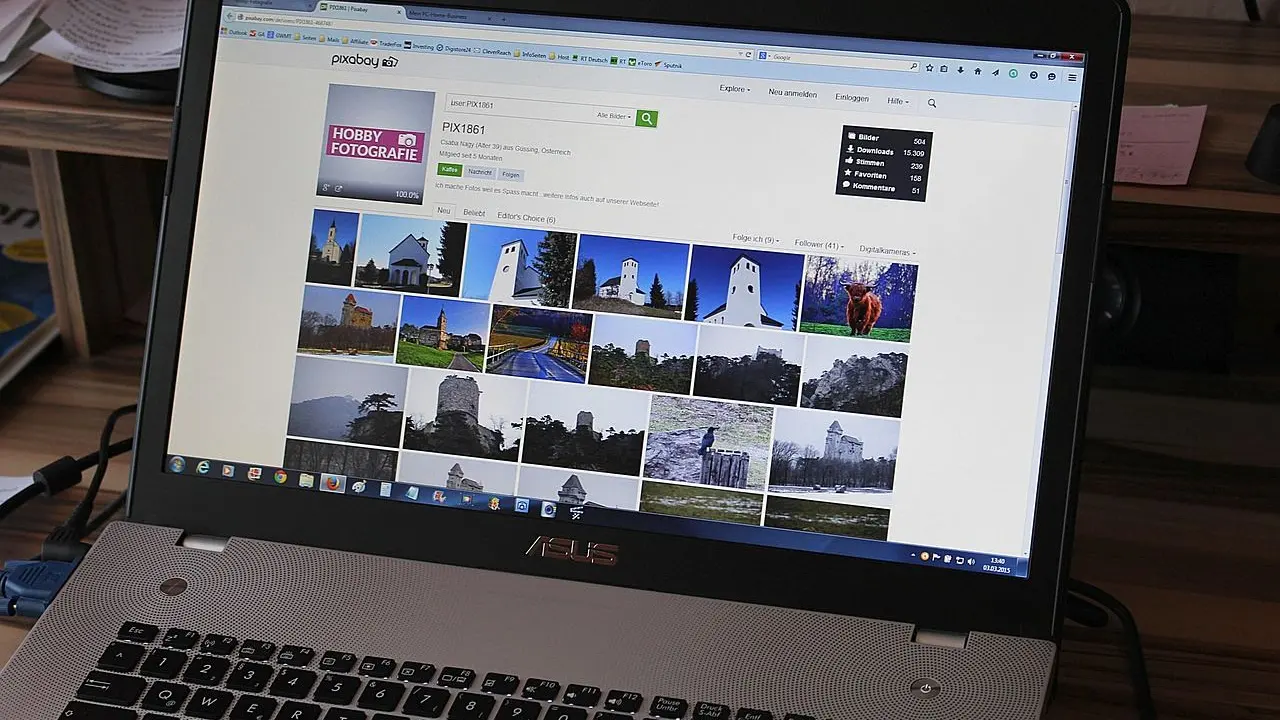
Worried your work gets lost in the scroll? A digital art portfolio gets noticed when it shows a few relevant pieces, organizes them clearly, explains each project, and stays current.
This is part of a wider look at digital art for creators.
| Item | Value |
|---|---|
| Platforms compared in the main source | 6 apps |
| Practical steps for presenting work | 5 steps |
| Details to list beside each image | 4 (title, medium, dimensions, year) |
| Selection rule for pieces | Quality over quantity |
| Adobe Portfolio access (as of the 08 Nov 2026 source) | Needs an eligible Creative Cloud plan |
These figures come from Analytics Insight and Design Dash. Plans and features can change, so check the source before you rely on them.
What to put in your digital art portfolio
A portfolio is more than a gallery of images. A Design Dash guide dated April 4, 2024 says a compelling one begins with a personal introduction: a brief biography covering your background, education and any recognition you have earned.
The same guide adds an artist statement, described as a succinct narrative about your methods, the themes you explore and the inspirations behind your work. Together, these tell visitors who made the work and why.
A solid portfolio covers these basics:
- A short biography and an artist statement.
- Clear, high-quality images of each piece.
- A title, medium, dimensions and year beside every image.
- Categories or collections that make browsing easy.
- Contact details and links to your social media profiles.
Choose fewer, better pieces
Design Dash puts it simply: when selecting your best work, the focus should be on quality over quantity. It suggests pieces that show your technical skill, your range and the themes you care about most.
Your audience matters as much as your taste. Analytics Insight notes that a concept artist targeting a gaming studio needs a different set of pieces than an illustrator seeking branding assignments.
Before you add a piece, ask yourself:
- Does it match the kind of work you want to be hired or noticed for?
- Does it reflect your current abilities rather than past ones?
- Does it add something the other pieces do not already show?
Five habits that help a portfolio stand out
Analytics Insight closes its guide with five practical steps for making a digital art portfolio easy to understand. They are short enough to use as a checklist:
- Select relevant artwork that reflects current abilities and the opportunities you are pursuing.
- Organize projects into separate categories, such as illustrations, character designs and paintings.
- Show your creative process with selected sketches and drafts.
- Add project context: the purpose of each project and your own contribution.
- Update regularly, replacing older pieces as your skills improve.
Design Dash also recommends highlighting your best or most recent works prominently, so the first impression is impactful. Category-based navigation, by medium, style or theme, helps visitors appreciate the breadth of your talent.
For a real-world example of restraint, Hostinger’s roundup describes Caroline Denervaud’s site as a minimalist design with plenty of white space that keeps the focus on the work. Its About page offers a detailed artist bio, including her educational background and press publications.
Before you upload anything, read up on digital art resolution and dpi so your files look sharp on screen and in print.
Pick a platform that fits your goal
Analytics Insight compares six apps, and each solves a different problem. The right one depends on whether you want exposure, design control, speed or sales.
- Behance: a social networking site for artists, where a project can hold sketches, drafts and the final piece. The trade-off is that layouts are static, so you have fewer design choices than on a personal site.
- Adobe Portfolio: builds a website without coding and keeps the artwork central. As of the source’s 08 Nov 2026 publication, it requires a qualifying Creative Cloud plan.
- Wix: a drag-and-drop builder that lets you add a blog, a contact page and a shop next to your portfolio. More customization means more time building and maintaining it.
- ArtStation: particularly relevant to artists seeking opportunities in gaming, animation and entertainment, though artists outside those fields may find a smaller audience.
- Canva: lets you build a simple one-page portfolio without a design background, but it is not built to manage a large body of work.
- Format: offers client galleries, proofing tools and a built-in store, so a portfolio can double as a sales page. Some features depend on the subscription plan.
If your portfolio will also bring in paid work, it helps to know how to price digital art commissions before clients start asking.
The platform is only half the equation. Picking an app is just the first step, and the quality of your selection matters as much as the tool you use to show it.
How do you keep your portfolio current and easy to contact?
Design Dash says regular updates and the use of analytics are crucial for maintaining relevance. Treat your portfolio as a living project, not a finished upload.
Make your contact information readily available, because that encourages potential clients or collaborators to reach out. Links to your social media profiles extend the conversation beyond the portfolio itself.
Analytics Insight offers a useful closing thought: keeping the portfolio current, organized and relevant is what turns it into a lasting professional asset.
Frequently asked questions
What is the best app to build a digital art portfolio for beginners?
Show answer
Analytics Insight says Canva works well for beginners because it needs no design experience and lets a simple portfolio come together quickly.
Can I use more than one app for my portfolio?
Show answer
Yes. According to Analytics Insight, many artists pair a quick presentation on Canva with a full body of work hosted on a platform like Behance or Adobe Portfolio.
Is Adobe Portfolio available without a Creative Cloud subscription?
Show answer
No, as of Analytics Insight’s 08 Nov 2026 article. It comes with eligible Creative Cloud plans and has no separate standalone subscription, so check your plan.
How often should I update my digital portfolio?
Show answer
Regularly. Analytics Insight advises replacing older pieces as your skills improve, so the collection reflects your current ability rather than past work.